
Authentication
Import a browser session; the bundled engine handles renewal and private storage.
Wallapop has no password API worth using. Google, Apple, Facebook and password accounts all end up at the same place, a session cookie in your browser. The CLI imports that cookie and then automatically starts its bundled Galleton engine for renewal and encrypted storage.
Why a cookie
An email and password login was tried and rejected; see ADR 0001 in the repository. Cookie import is the single supported path because it works identically for every account type.
Export the cookie
Install a cookie exporter
Any extension that exports Netscape-format cookies works. Cookie-Editor and "Get cookies.txt" are the common ones.

Log in to Wallapop in your browser
Go to es.wallapop.com and sign in.
Export cookies for the site
Export for wallapop.com and save the file. You need __Secure-next-auth.session-token; the
CLI also picks up device_id if it is there.
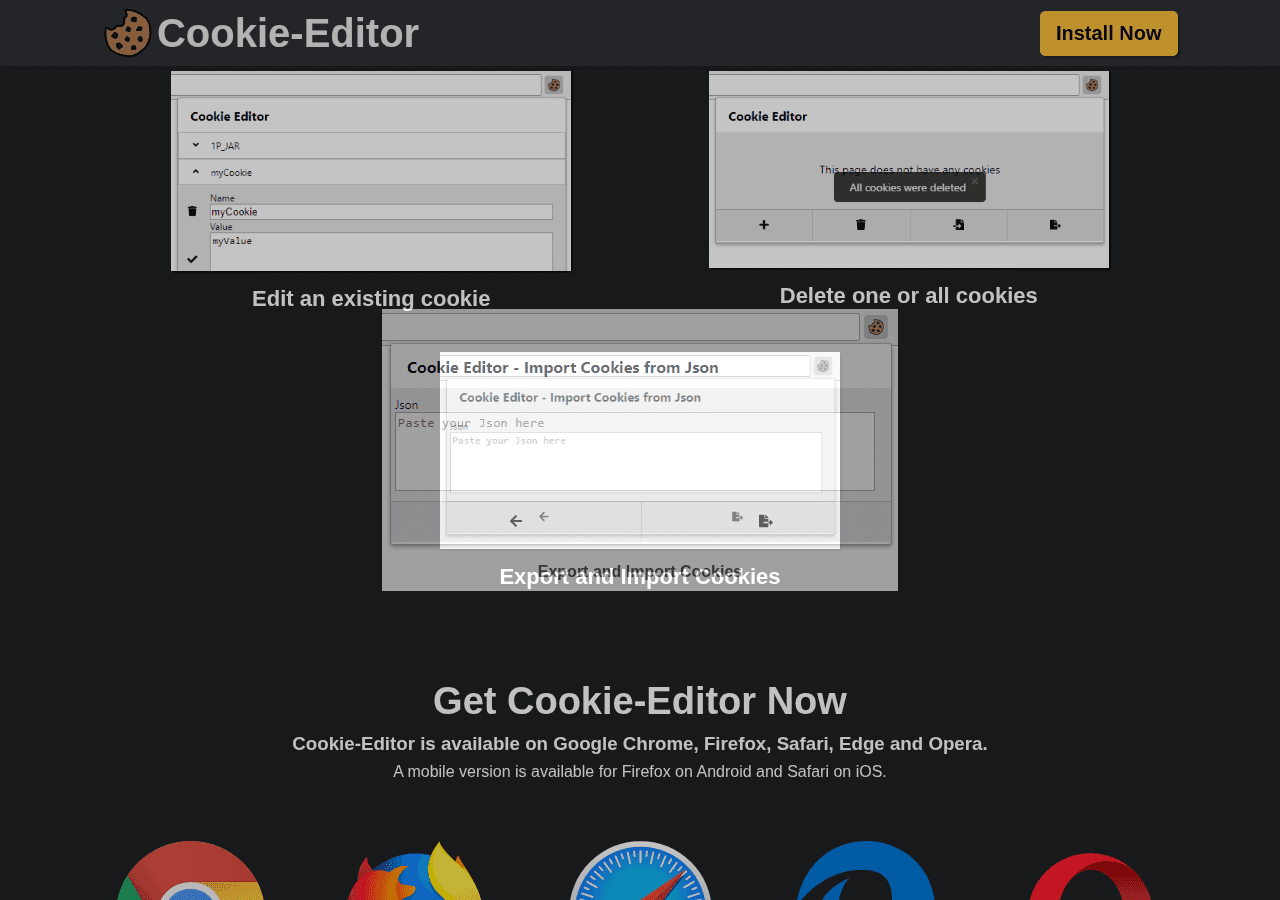
Cookie-Editor exports JSON by default
The CLI reads Netscape format, pasted name=value pairs, or a bare cookie value. If your
exporter offers a format choice, pick Netscape or "cookies.txt".
Import it
wallapop auth login --cookies ~/Downloads/cookies.txtOr run the interactive prompt and paste the cookie value when asked:
wallapop auth login--cookies-stdin reads until end-of-file; use it when piping an export into the command.
Login validates the session and tells you who you are, so a bad export fails at once rather than three commands later. It also saves your account's location as the default search location. Your first search already works.
Managed sessions
No separate daemon installation or setup is required. Release binaries include Galleton; the CLI starts it when authentication is needed and shares it across CLI, watch, and MCP processes. It shuts down shortly after its last active client exits.
Existing saved cookies migrate automatically on their next authenticated use. After a
successful migration, credentials.toml contains a galleton_id and account metadata,
not the cookie. A failed migration preserves recovery information. Managed profiles never
silently fall back to old cookies.
Plain go install source builds prepare the pinned engine once using Go and the module
cache; release binaries and make install already include it.
Staying logged in
wallapop auth status          # local metadata; works offline
wallapop auth status --check  # verify a usable API token
wallapop auth refresh         # explicit renewal; nonzero exit on failure
To renew between commands, explicitly enable a service at OS login:
wallapop auth service enable
wallapop auth service status
wallapop auth service disable
Nothing installs a startup service silently. auth service run is the foreground
alternative for your own supervisor. auth service stop refuses to stop an engine still
in use by another client. Renewal cannot override Wallapop expiry, revocation, or a
requirement to log in again; it cannot run while the computer is off.
Managed status reports source: "galleton" and the session ID. Cookie expiry is omitted
because the daemon does not expose it. The lifecycle and recovery guide
documents storage, source builds, failure recovery, and advanced external-daemon settings.
Profiles
Each account gets its own session, location and watches.
wallapop auth login --cookies alt.txt --profile alt
wallapop profile list
wallapop profile use alt      # change the default
wallapop search "bici" --profile alt
In CI
Pass the cookie by environment variable and no credentials file is needed:
export WALLAPOP_SESSION_TOKEN="..."
wallapop search "bici" --format jsonl
Where things live
The CLI writes credentials.toml at mode 0600. It holds managed-session references, not
provider cookies. The private galleton directory contains the vault and its local API token
and encryption key; do not share that directory.
Log out
wallapop auth logout --profile alt   # keeps config and watches
wallapop profile remove alt          # removes everything for that account
For managed profiles, these commands forget the daemon session first. A daemon outage fails the command without discarding the local reference, so removal can be retried.